01 / Make it yours
Your party. Your website.
Pick a Halloween theme, add your party details and make it your own. Share your private invitation with the people coming over.
Halloween beta · Help shape next year’s parties
Hosting Halloween? Put your party to the test.
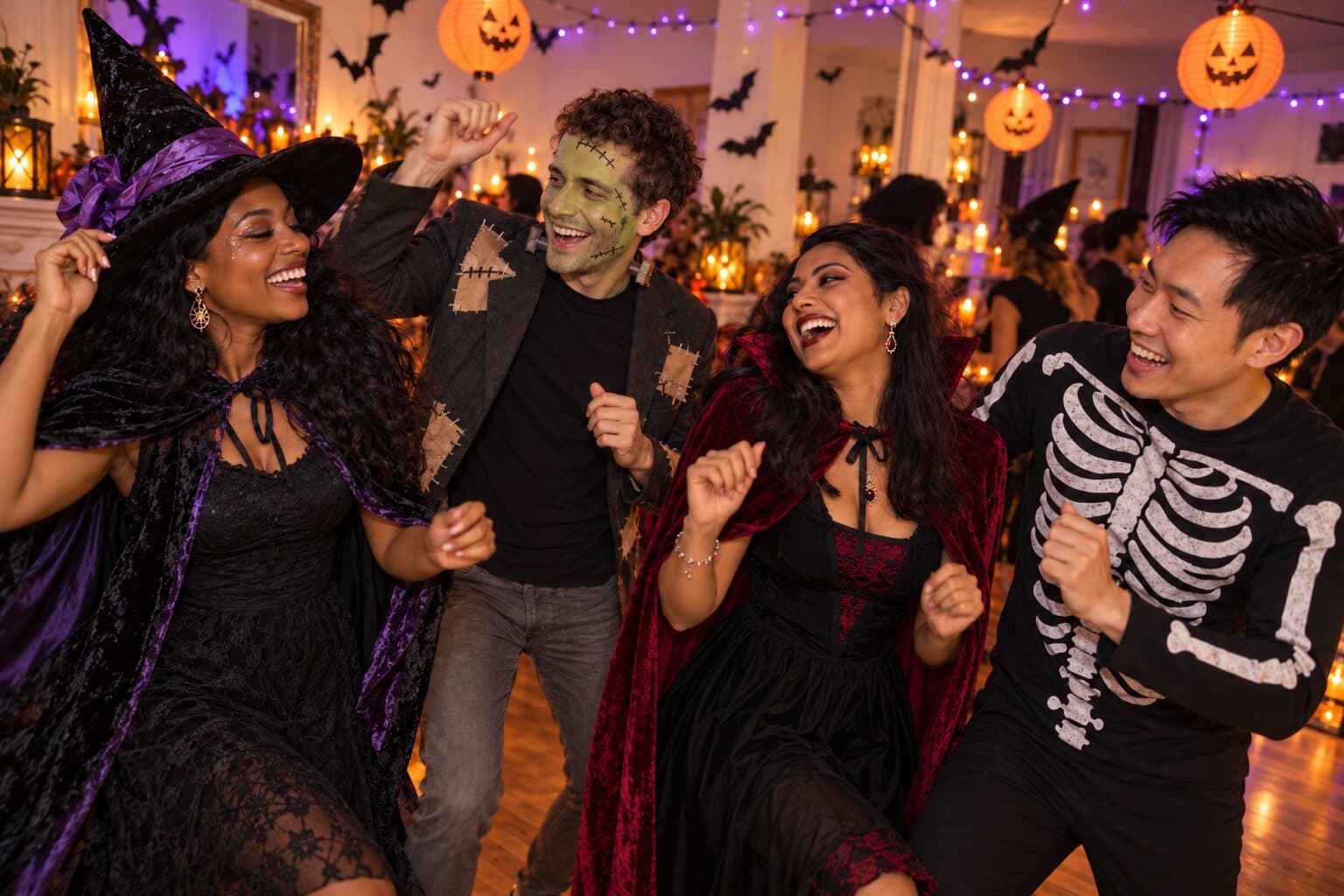
The witch in the kitchen. The vampire on the sofa. Get everyone’s photos onto your own Halloween website — and give those costumes their big-screen moment.
Private invitations · No guest account · Booth access enabled per party
FROM YOUR FIRST INVITE TO THE LAST PHOTO
Pick a Halloween theme, add your party details and make it your own. Share your private invitation with the people coming over.
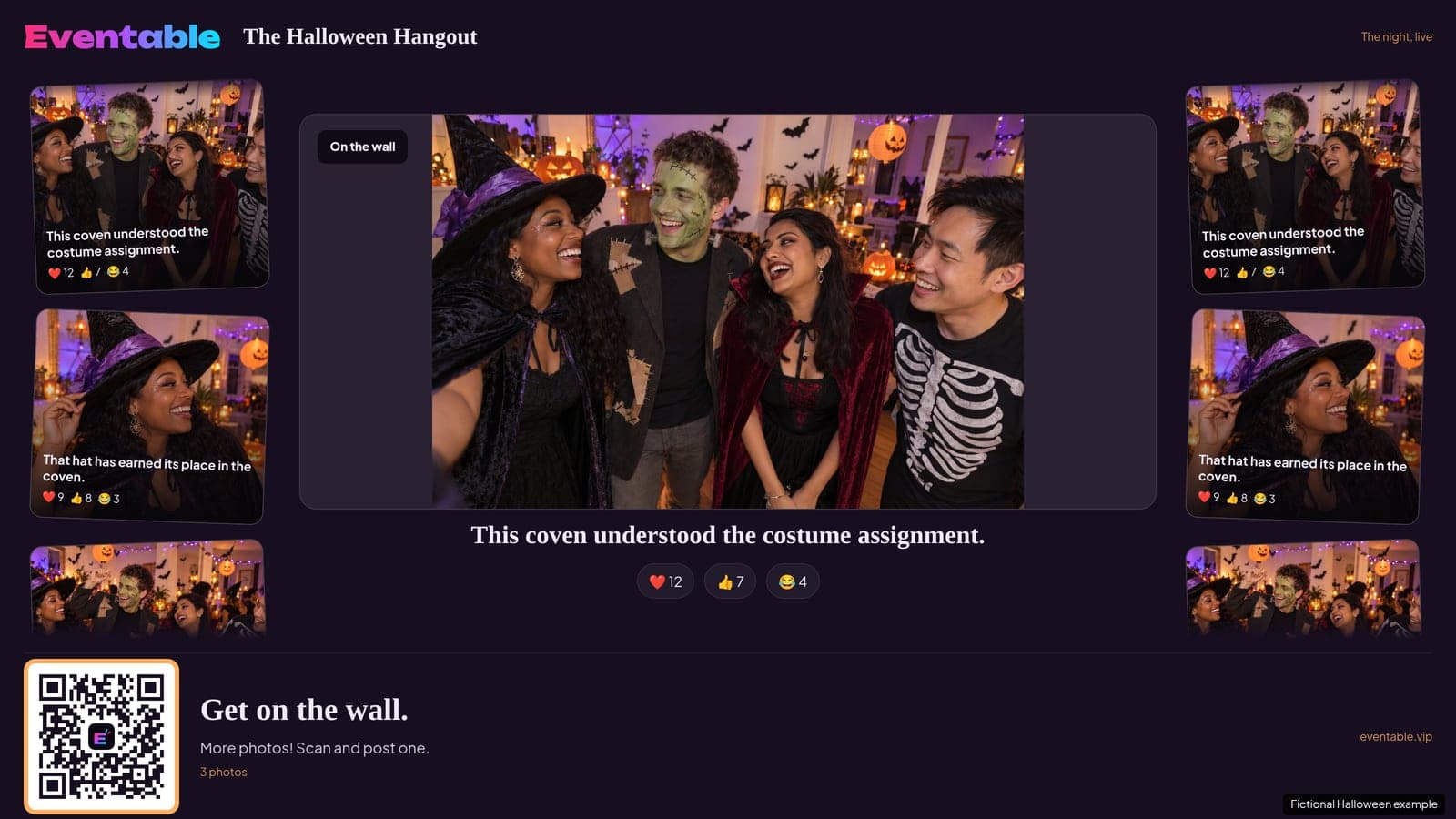
Open your party’s TV mode in a compatible browser on your TV or a browser-capable device connected to it. Go full screen and leave it playing while you host.
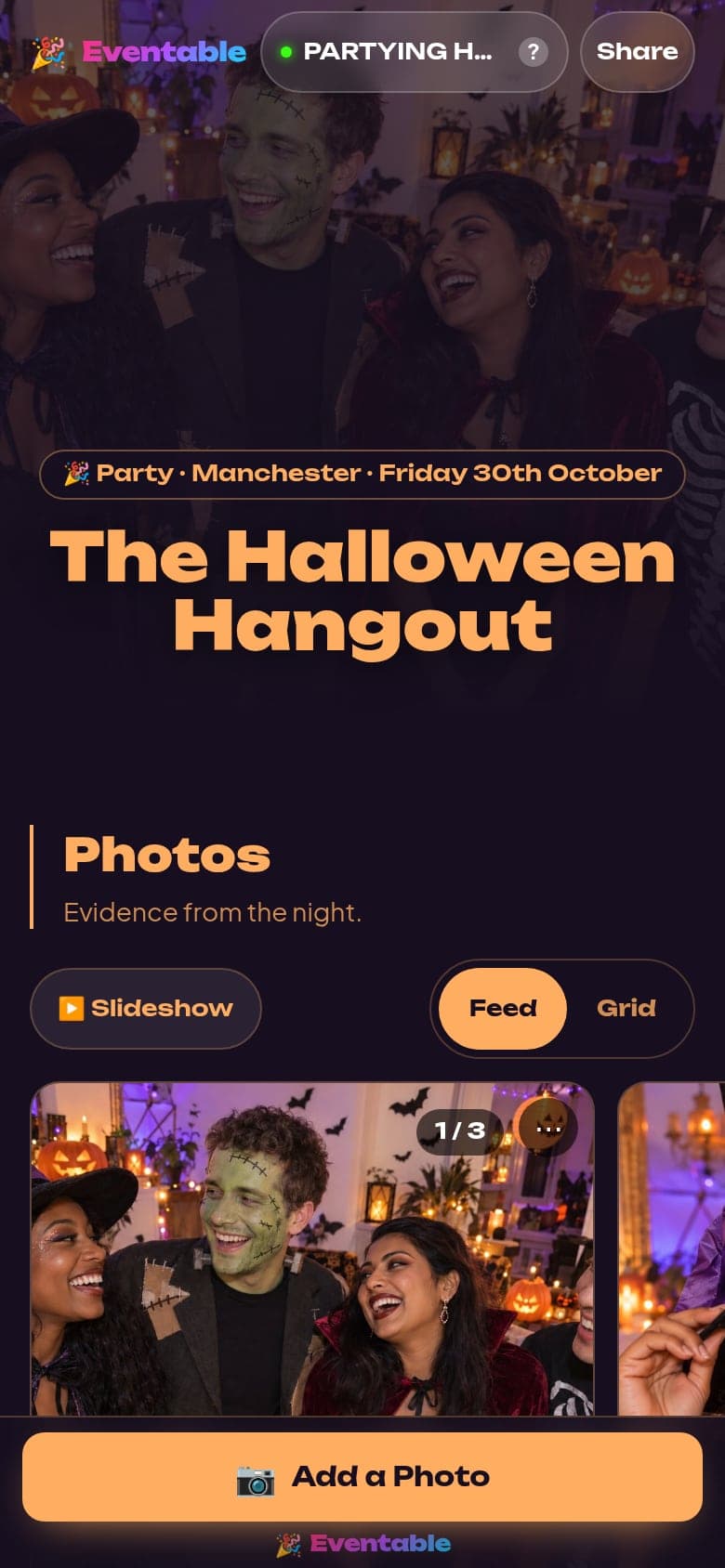
Guests open your invitation on their phones and add their photos. The TV rotates through the party’s moments. No guest account needed.
REAL SCREENS. A PARTY YOU CAN TRY.
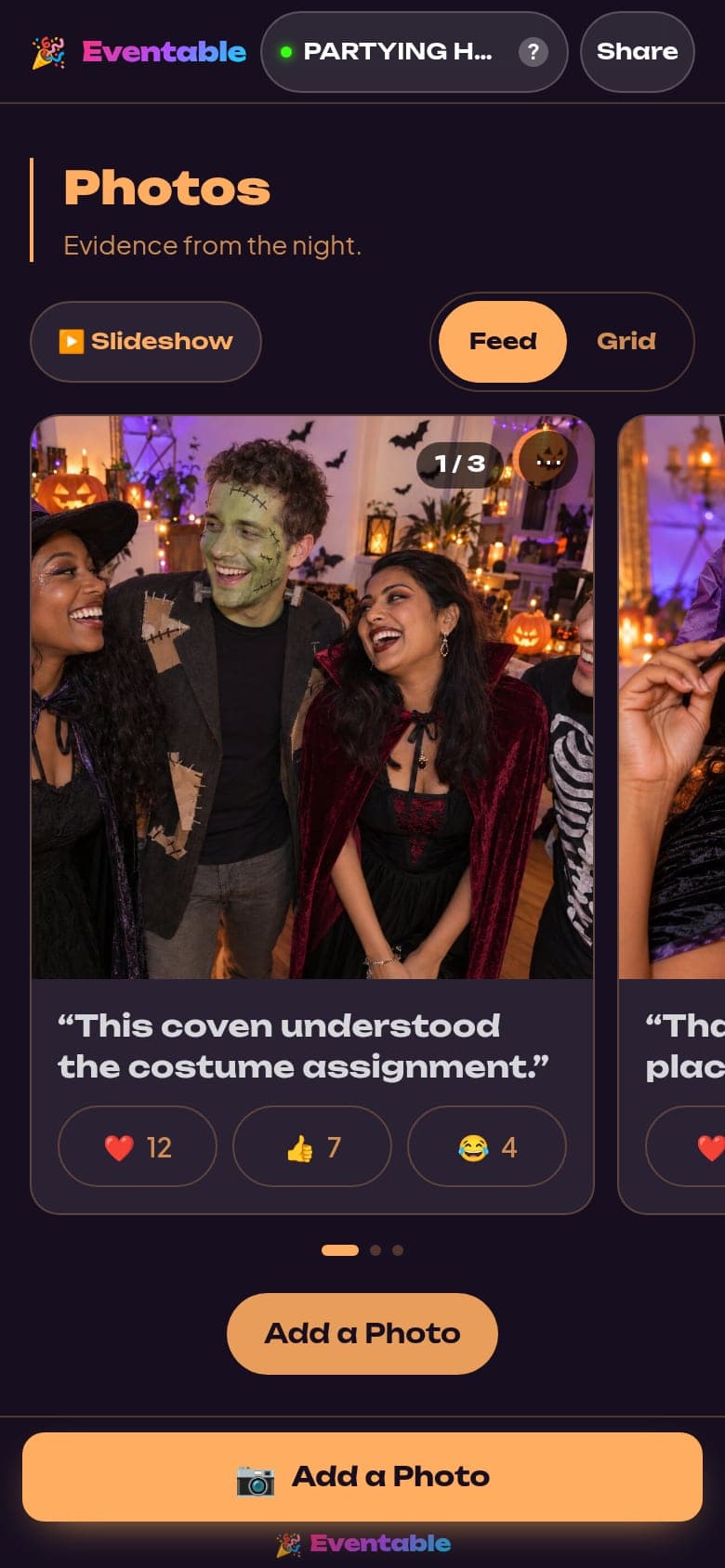
Guests add photos from their phones. The photo wall keeps them together, with Halloween costume compliments if you want them.
Guests vote for Best costume, Most creative and Scariest. The live top three get their moment on the TV.
Hand-pick what the TV shows, or let it rotate through eligible photos. Turn on approve first to review each upload before it appears.
Screenshots use our fictional example party and approved example photos.
AI PHOTOBOOTH · SELECTED PARTIES BETA
The costumes are only the beginning. Step into a candlelit castle, take a broomstick flight or try a wicked transformation — from a photo on your phone.
Currently in beta for selected adult-only Halloween parties. Access is approved per party. Image credits are shared across the party; one finished preview uses one credit, whether or not you share it.
 Before
 Broomstick flight
 Before
 Haunted castle
Open the filter camera, choose your look and take a photo. Witch, Frankenstein, vampire or black cat — with live effects that follow your face.
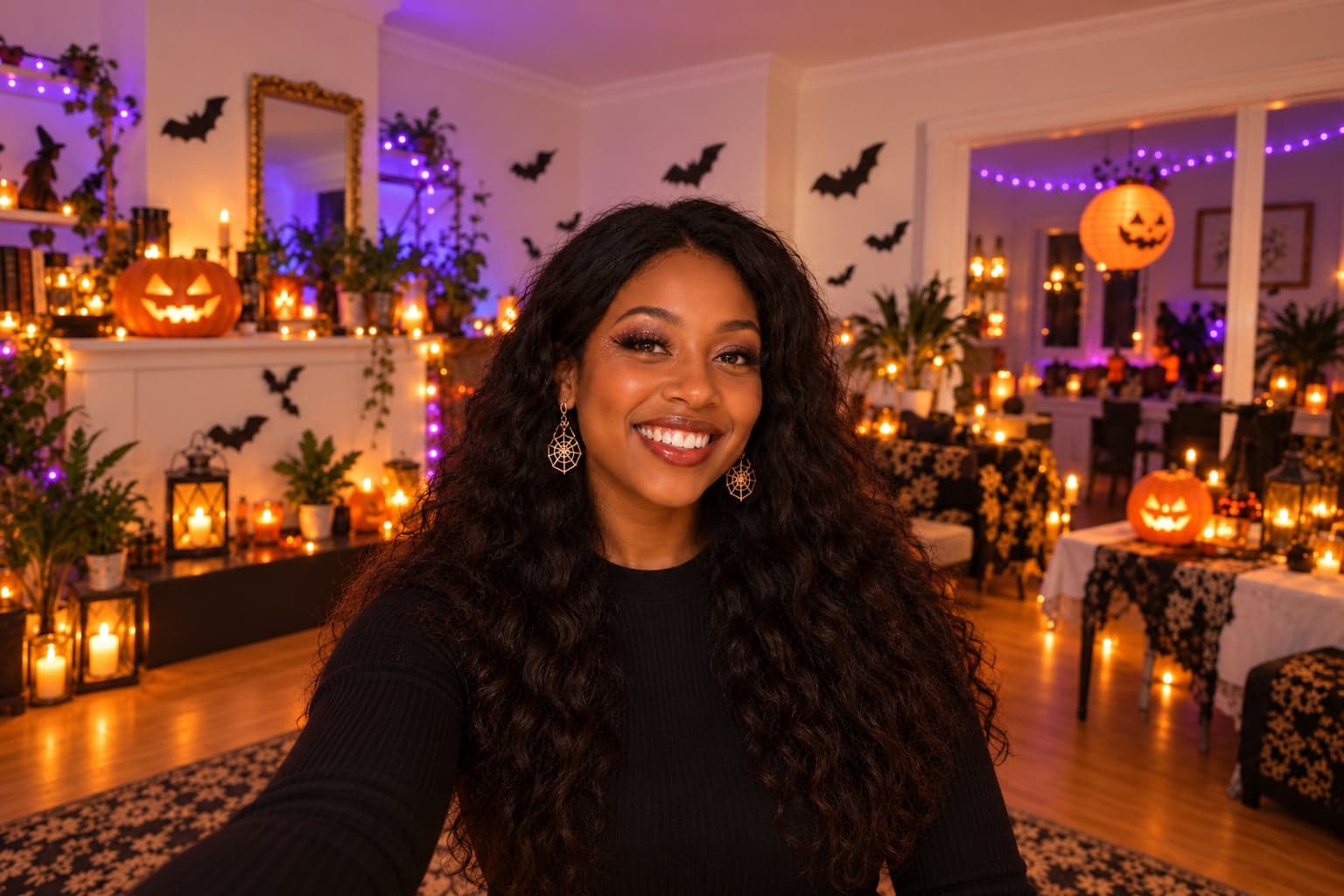
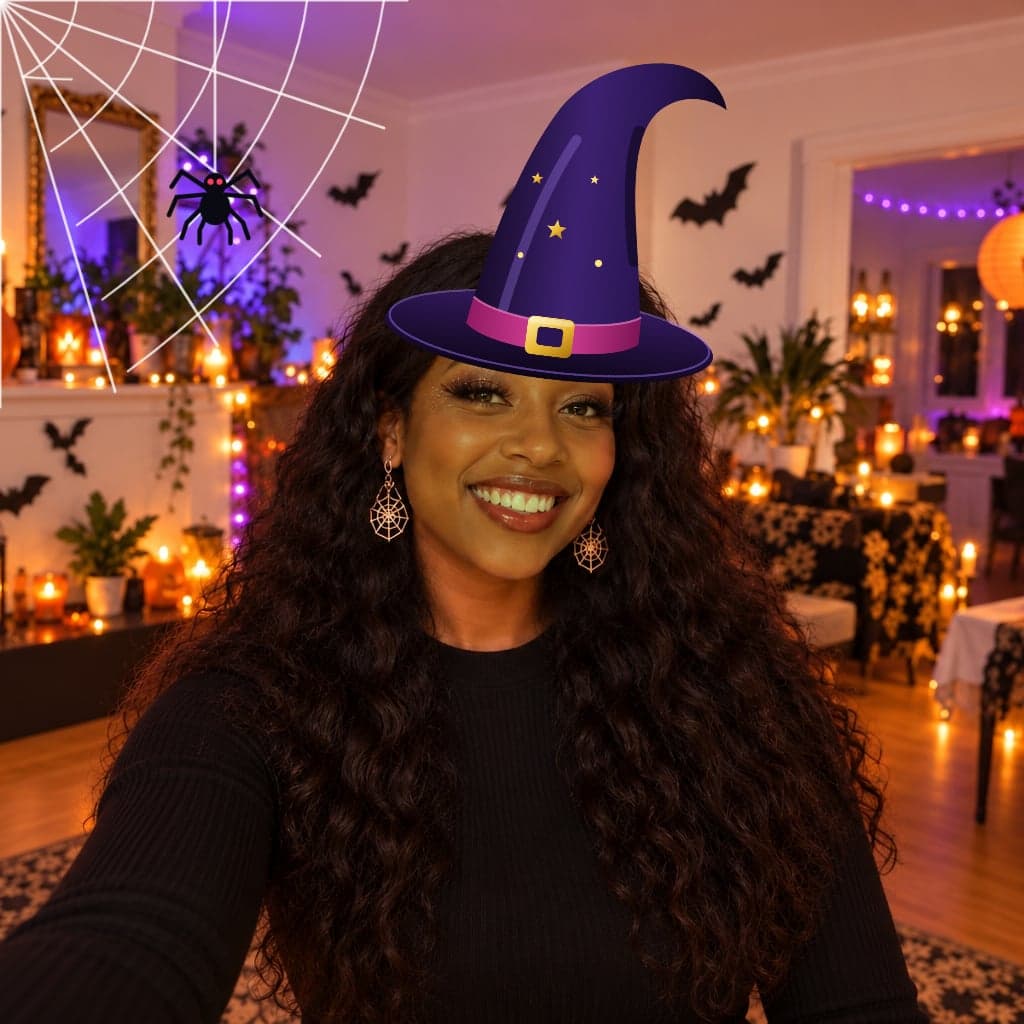
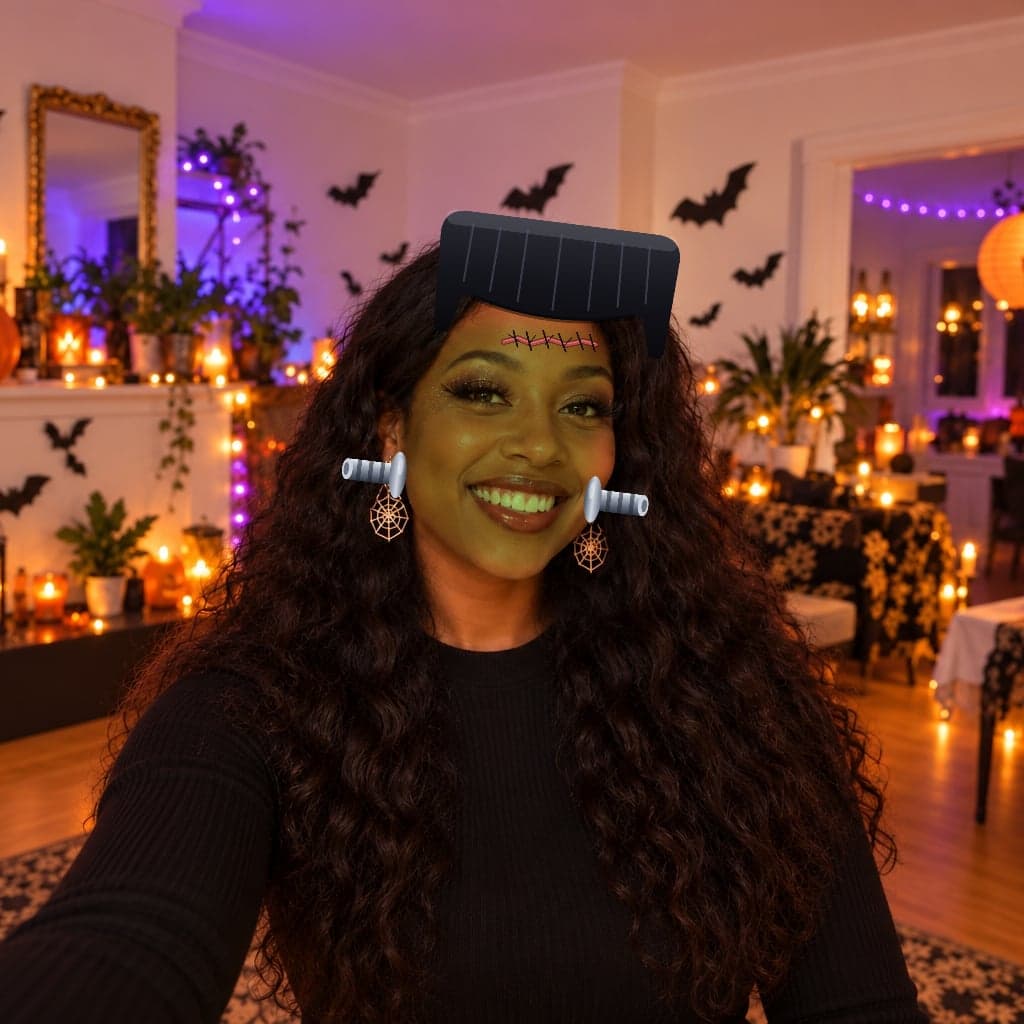
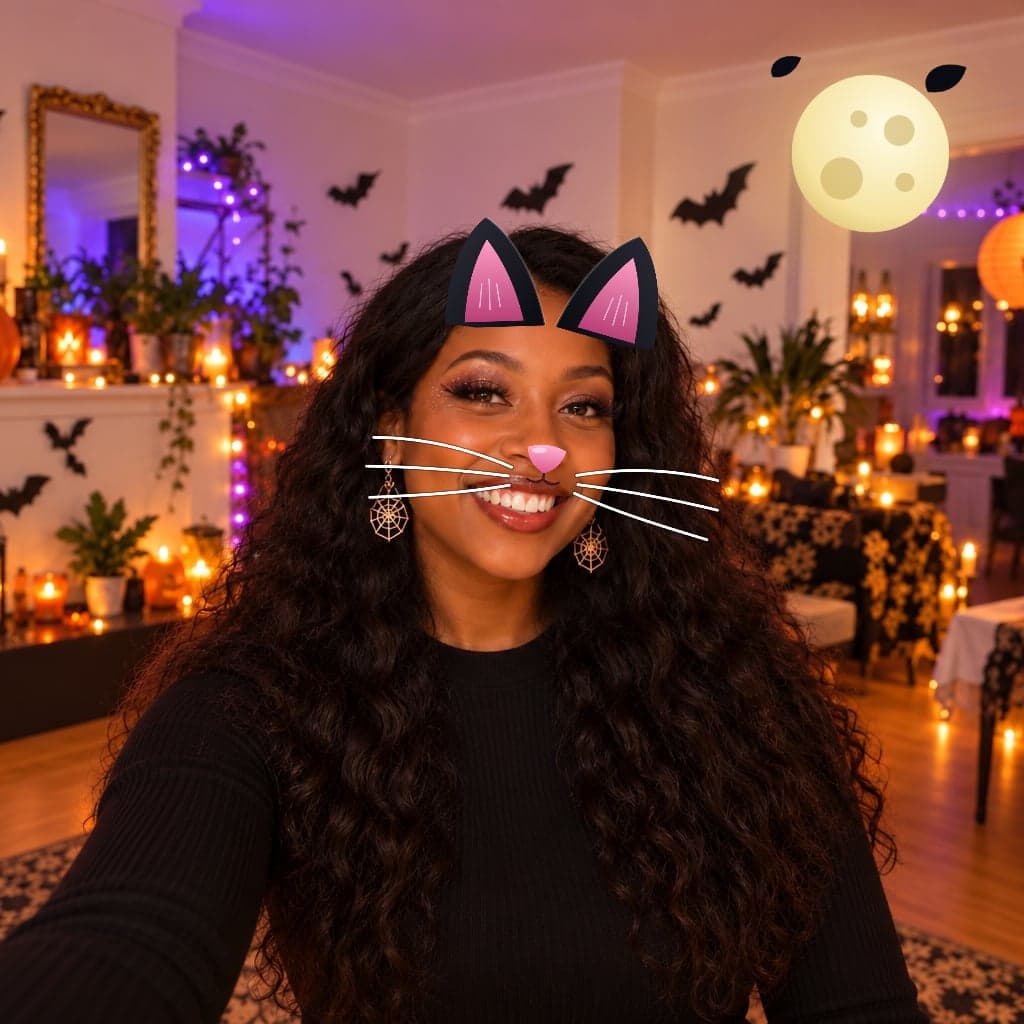
Actual Eventable filters on a fictional example portrait. Filters run on your phone and use no AI generation credits. Your photo is checked when you post it. Available on selected beta sites; camera performance varies by device.
Ask to try the selfie filters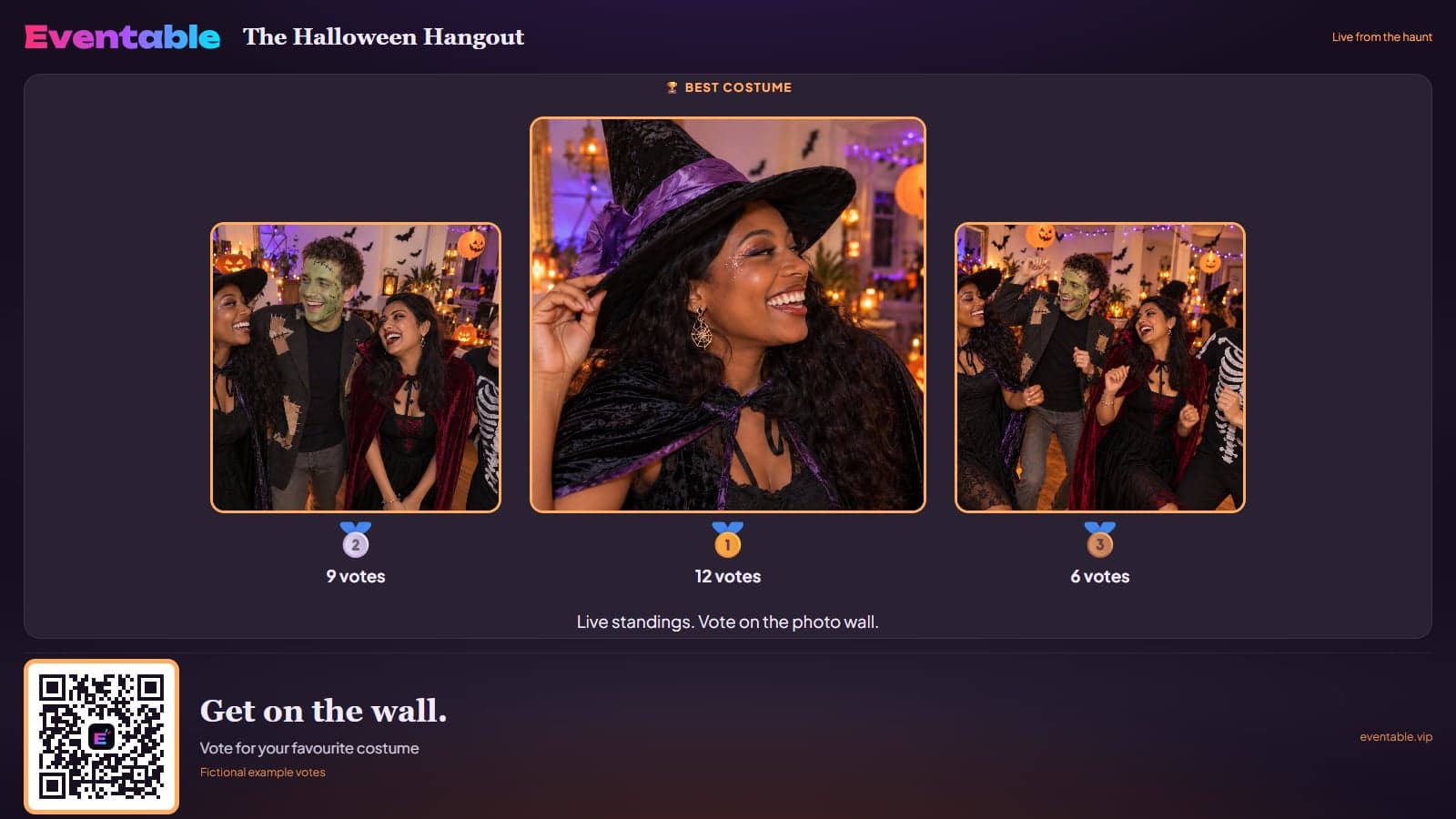
Give your favourite costume a vote. Best costume, Most creative and Scariest each get a live top three on the TV.
One vote per guest in each category. Change your mind while voting is open — and watch the standings move.
Explore the Halloween exampleONE LESS “CAN YOU PUT THIS ON?”
Switch on song requests and let guests send a title, artist and optional Spotify link to your private host inbox. You choose what gets played in your music app.
PICK YOUR KIND OF AFTER DARK
Pumpkin-lit or a little more haunted? Choose a theme, then make it yours with Halloween stickers and your own cover.
See both looks here. Choose your theme in the builder.
Make this your party31 OCTOBER · YOU’RE INVITED
“That cape deserves its own haunted castle.”
Illustrated preview. Your cover and photos make it yours.
Download the party photos and make an after-party video from the night’s moments, with the costume winners getting their own cards. A keepsake to share with your lot.
Your host dashboard brings the memories together after the party. Keep private-party sharing within your invited group.
We’re inviting a small group of Halloween hosts to try Eventable and help shape next year. Tell us about your party, build your private site, and we’ll confirm which beta features and allowances are enabled for you.
AI booth access is currently for selected adult-only parties. AR filters are also enabled per site. Your normal photo wall, costume votes and song requests bring everyone into the night.
START WITH PRIVATE
We recommend Private for Halloween. Share the protected invitation or PIN with the people you want there.
Inviting teenagers aged 13–17? Choose the teen-inclusive setting. An adult runs the party, guests confirm they’re 13 or over, and full photo checks stay on. You choose whether your adult team approves each photo first.
Links and PINs can be passed on. Keep them within your invited group. Under-13s cannot join or use Eventable themselves.
Start your private Halloween partyBEFORE THE DOORBELL GOES
Open your party’s TV address in a compatible browser on your smart TV or a browser-capable device connected to it, such as a streaming stick or games console. Use the player’s full-screen control and leave it running. Guests use their own phones to join and upload. You’ll need an internet connection; browser support varies by device.
The AI Photobooth is currently in beta for selected adult-only Halloween parties, with access approved per party. Ask us about access before planning around it. Choose a photo and a scene, then check the generated preview before deciding whether to share it. AI can change faces and details. One finished preview uses one of the party’s shared credits; making another uses another credit.
No guest account is needed. They open the party invitation, unlock the private site and complete the joining steps before posting.
There’s a teen-inclusive option for ages 13–17 alongside adults. Hosts and administrators must be 18 or over. These parties keep protected access and full photo checks, with optional adult approval; under-13 direct participation is not supported.
Guests send a song title, artist and optional Spotify track link privately to the host and admins. The host chooses what fits and handles playback in their music app. A request does not automatically start a song or add it to a queue.
Yes. The host can hand-pick items for the TV. Teen-inclusive parties require full photo checks. Switch on approve first to review every uploaded photo before it appears.
Yes. Switch off generated outfit praise during setup. Safety checks still apply, with full screening for teen-inclusive parties. You can choose to approve photos first.
A party website on their phones. A photo wall on your TV.
Help us make next Halloween even better.